Many people who grew up with early digital music tools find themselves with collections of MIDI files that seem inaccessible today due to outdated hardware and software.
Why MIDI Files Still Matter
MIDI technology emerged in the early 1980s as a way for electronic instruments to communicate with computers and each other. Files created during that era often contain unique compositions that reflect the creative experiments of hobbyists and professionals alike. These sequences capture nuances in timing and expression that later formats sometimes overlook.
Collectors value them for their historical context and the raw creative process they represent. Over time, though, many of these files became difficult to access. Floppy disks degraded, old sequencers lost power supplies, and operating systems moved on without backward compatibility. Recovery begins with understanding the file structure itself. Standard MIDI files store note data, tempo information, and controller messages in a compact binary format. Modern software can read these once the physical media is stabilized or transferred.
What Gets in the Way
Hardware failure tops the list of obstacles. Synthesizers and drum machines from the 1980s and 1990s relied on internal batteries to retain memory. When those batteries leaked or died, patches and sequences vanished. External storage devices introduced additional risks, including magnetic degradation and connector corrosion. Software obsolescence compounds the problem, as proprietary formats from early programs resist conversion without specialized tools.
Another frequent issue involves corrupted timing data. Early MIDI implementations sometimes recorded at nonstandard resolutions, leading to playback that feels rushed or sluggish on contemporary systems. Systematic testing with multiple players helps isolate these quirks.
Archivists recommend starting with free utilities that analyze file headers before attempting full restoration.
Electrical Factors in Data Longevity
Stable power delivery plays a quiet but decisive role in preserving digital music archives. Voltage fluctuations can scramble data during transfer or even damage the read heads on aging drives.
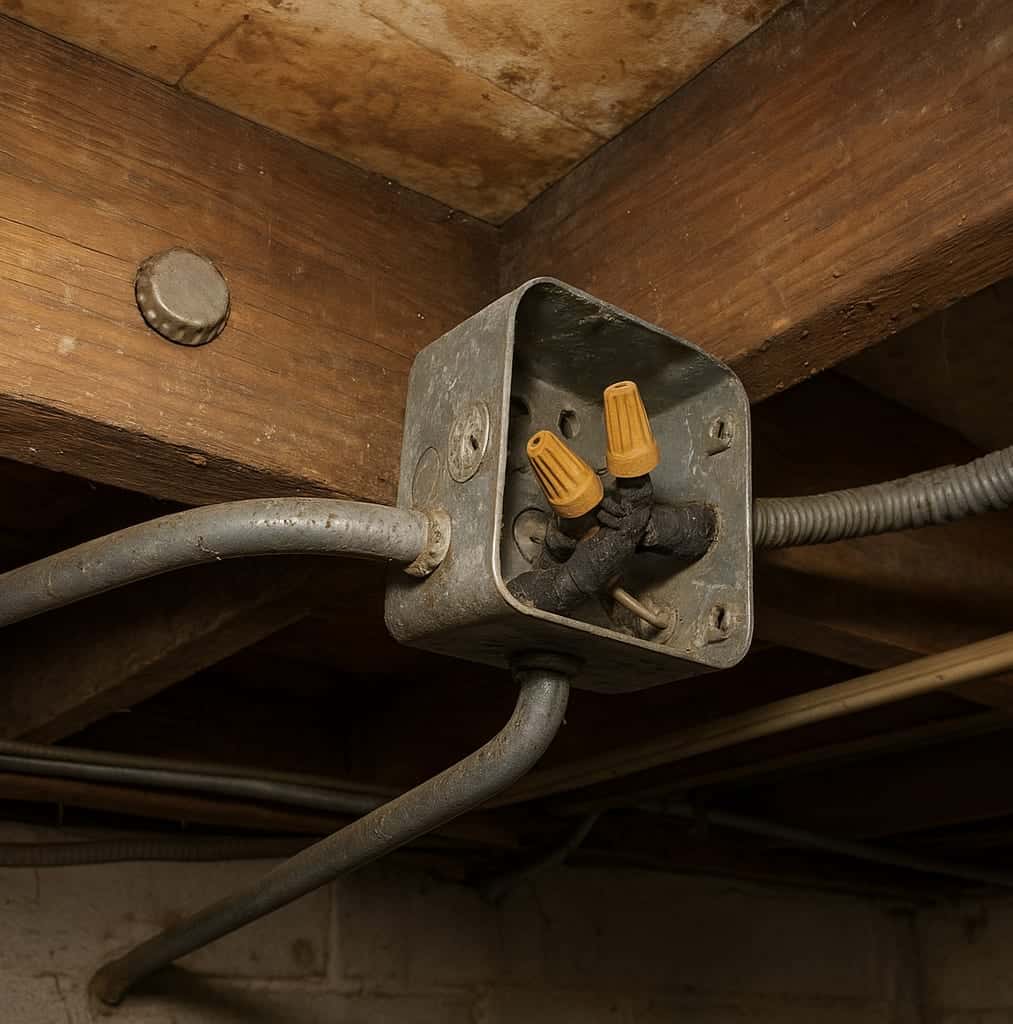
Home studios often accumulate layers of adapters and extension cords that create ground loops or insufficient amperage. These conditions increase the chance of sudden shutdowns that interrupt file writes. Proper circuit design prevents many of these interruptions. Dedicated lines for sensitive equipment reduce interference from household appliances. Surge protection at the panel level adds another layer of defense. When planning upgrades, homeowners benefit from consulting experienced electricians who understand the specific demands of audio workstations.
Specialists from Fulmer Electric can evaluate existing wiring and recommend configurations that support consistent operation of vintage gear alongside modern computers.
Bringing the Files Back
Begin by cataloging what you have. List each disk, cartridge, or hard drive along with any notes about the original hardware. Photograph labels and connectors before handling. Next, create bit-for-bit images of readable media using write-blocked devices to avoid accidental changes.
Transfer the images to a modern computer and test them with several MIDI players. Tools that support multiple formats often reveal timing or controller issues that a single program might miss. When files refuse to load, examine them in a hex editor for recognizable headers. Repair utilities can sometimes reconstruct missing chunks if the damage is limited.
Physical restoration of instruments comes next for those who want to hear the music through original voices. Capacitor replacement and battery removal form the core of most service routines. Technicians also clean contacts and recalibrate potentiometers that have drifted over decades.
Organizing and Future-Proofing Your Collection
Once files are recovered, organize them with clear naming conventions and metadata. Include original tempo, key signatures, and any associated patch lists. Store master copies on multiple media types and verify integrity annually with checksum comparisons.
Consider converting sequences into more universal formats while retaining the originals. This dual approach preserves authenticity while improving compatibility with current production software. Regular backups to cloud services or external drives further reduce risk.
Knowing When Professional Help Adds Value
Complex electrical upgrades or stubborn hardware repairs often exceed the scope of DIY efforts. Certified technicians bring diagnostic equipment and experience with legacy systems that hobbyists rarely possess. They can also advise on ANSI code-compliant solutions that protect both equipment and users.
Taking time to assess your setup before problems arise saves both data and money.